
Shadcn alternative
🧠 What Is shadcn/ui (Quick Overview)
shadcn/uiis a modern React UI component library that combines Tailwind CSS, Radix UI primitives, and optional animation tools (like Framer Motion). It’s more of a copy-paste component system than a traditional package you import — you literally add components to your project and customize them however you want.- It’s loved for full control, accessibility, minimal runtime, and strong TypeScript support.
- However, it can require more setup, and since components aren’t shipped as a sealed library with its own theme, some developers prefer alternatives with fewer build steps.
📊 Why Consider Alternatives
Before diving into options, here’s the typical why behind choosing something other than shadcn/ui:
✅ Need more pre-built components or templates
✅ Want built-in themes or visual design systems
✅ Prefer opinionated libraries with less configuration
✅ Need enterprise-grade components out of the box
✅ Looking for libraries that work across frameworks (React, Vue, Svelte)
⭐ Best shadcn/ui Alternatives (By Use Case)
🧰 1. Tailwind-centric & UI kits
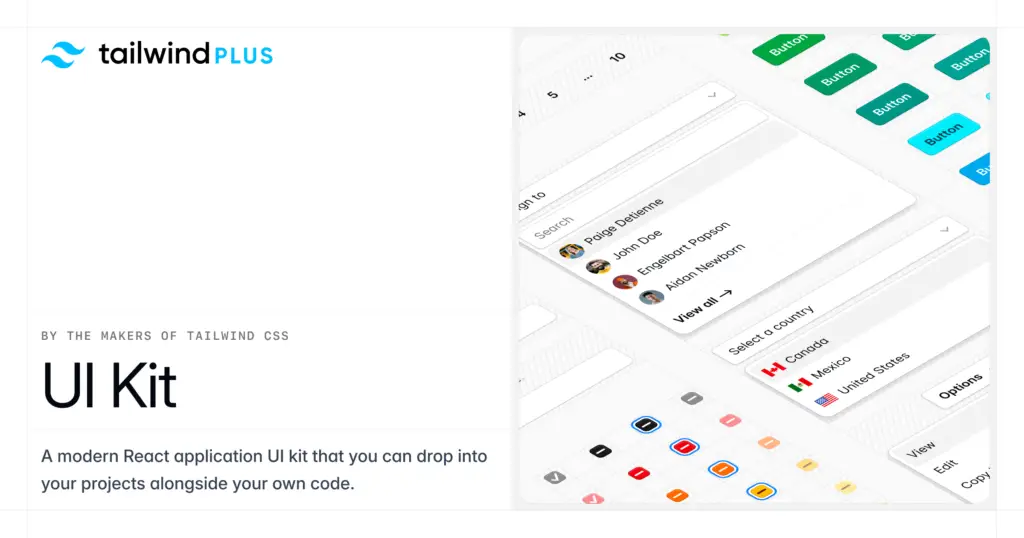
These are great if you love Tailwind CSS but want ready-made designs.
| Library | What It Is | Best For |
|---|---|---|
| DaisyUI | Tailwind plugin adding styled components | Fast theming, simple UI |
| Flowbite | Complete UI kit with interactive components | Dashboards & ready pages |
| TW Elements | Tailwind with Material-inspired UI | Feature-rich frontends |
| Preline UI | Large Tailwind component collection | Production build + layouts |
| HyperUI | Minimal Tailwind components | Quick prototypes |
| TailGrids | 600+ components + templates | Landing pages & apps |

Pros
- quick results
- rich themes
- minimal setup

Cons
- usually less flexible than pure headless systems
🧠 2. Headless / low-level primitives
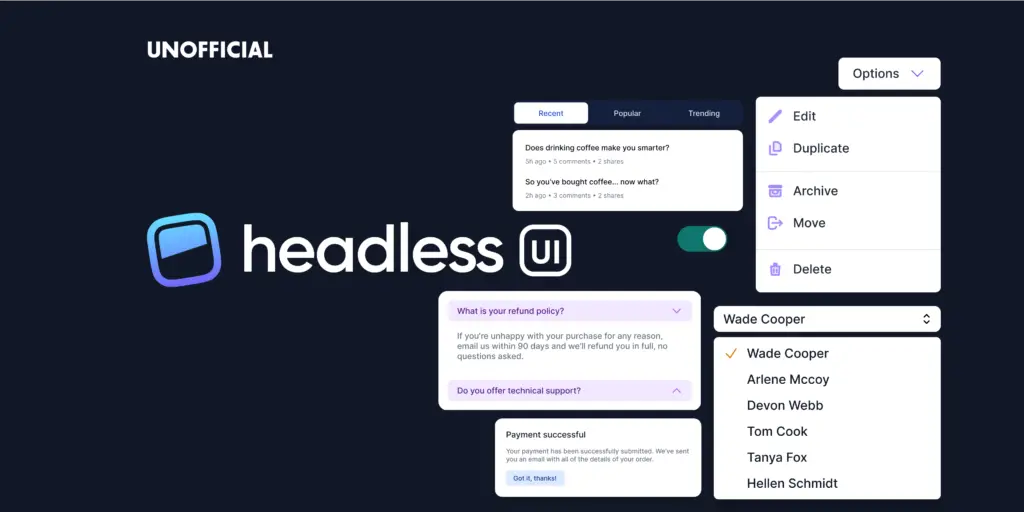
If you want accessibility and freedom without pre-styles.
| Library | Why Consider | Notes |
|---|---|---|
| Headless UI | Unstyled, fully accessible primitives | Works with Tailwind |
| Radix UI | Strong accessibility + behavioral primitives | Great base under custom skins |
Pros
- lightweight
- ultimate control
Cons
- no pre-built design — you must style everything
📦 3. Full featured React UI systems
These offer complete component systems, often with their own design language.
| Library | Feature Highlights |
|---|---|
| Chakra UI | Easy theming, accessible, built-in components |
| Mantine UI | Rich components + utilities, TypeScript |
| Material-UI (MUI) | Robust enterprise-grade UI |
| Hero UI | Tailwind + accessibility + component performance |
| Tremor.so | Tailwind + dashboard blocks & analytics |
Pros
- large ecosystems
- consistent,
- polished
Cons
- generally heavier than tailwind-only tools
📌 Detailed Comparison Highlights
🛠 Customization & Control
- shadcn/ui + Radix UI / Headless UI: high control, minimal runtime
- Tailwind + Headless UI / Radix: similar ethos, slightly more manual
🎨 Design & Visual Polish
- Flowbite / TailGrids / DaisyUI / Hero UI provide ready visuals
- MUI / Chakra are great if you want complete design systems
⚡ Speed to Build
- HyperUI / DaisyUI / Flowbite → fastest setup
- shadcn/ui / Headless UI → highest flexibility, slower setup
📈 Enterprise & Scale
- MUI / Chakra / Mantine → strong ecosystem, advanced features
- shadcn/ui → flexible but DIY design system approach
🧩 Example Use Cases
📍 If you want Maximum Freedom
Use: shadcn/ui or Tailwind + Headless UI / Radix
👉 Completely custom design, you own every component
📍 If you want Rapid Prototyping
Use: DaisyUI / Flowbite / TailGrids / HyperUI
👉 Drop-in visuals + Tailwind ease
📍 If you need Enterprise-grade UI
Use: Chakra, MUI, Mantine
👉 Component depth, advanced patterns, polished defaults
🧪 Summary & Recommendation
| Category | Best Choice |
|---|---|
| Fastest setup | DaisyUI / HyperUI |
| Most customizable | Headless UI / Radix UI / shadcn/ui |
| Best React ecosystem | Chakra UI / MUI / Mantine |
| Dashboard & analytics | Tremor.so |
| Large component library | Hero UI / Flowbite |
📌 Final Tip
Choosing a UI system should be based on your project needs:
- Want simple styles + quick rollout → Tailwind UI kits / DaisyUI
- Want complete design with minimal coding → Chakra UI / MUI
- Want full tailor-made UI components → shadcn/ui or Headless UI + Tailwind
READ ALSO: Raycast VS Alfred

Hi, this is Masab, the owner and founder of the PC Wire. I’m a PC enthusiast who loves to talk about computers. I have been testing PC hardware for several years now, and I hope my knowledge would answer your queries thoroughly.