
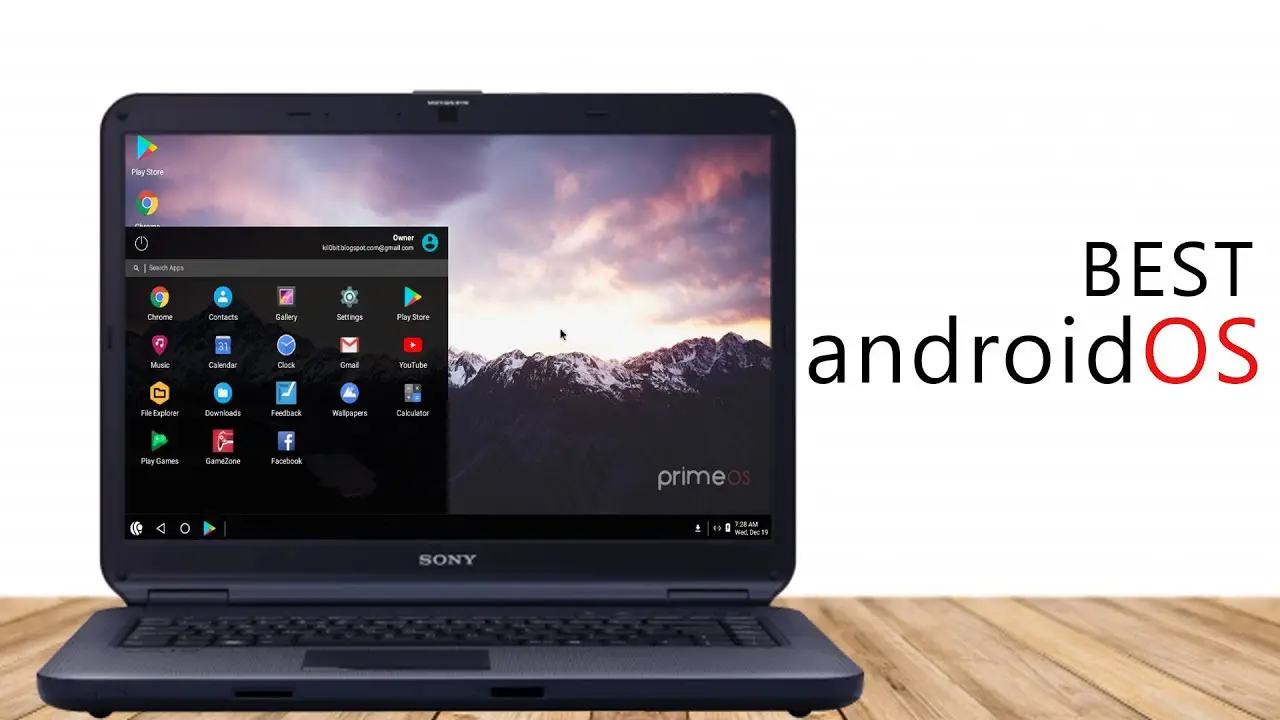
Android os for laptop
Running an Android-based operating system on a laptop is a popular way to get a mobile-like experience on a bigger screen—with access to apps, games, and a lightweight interface. But not all Android OS options are equal, especially for laptops.
Best Android OS options for laptops in 2026
🔹 1. Android-x86

✅ Overview
A long-running open-source project that ports Android to x86 PCs (laptops/desktops).

Pros
- Supports dual boot
- Lightweight (great for weak hardware)
- Works on many older laptops
- Completely free & open-source

Cons
- No official updates like phones
- Some hardware issues (Wi-Fi, touchpad)
- Interface is not optimized for laptops
💡 Best for:
- Tech-savvy users
- Old laptops revival
🔹 2. Bliss OS

✅ Overview
One of the most polished Android OS for PC, based on Android 12–14.
Pros
- Customizable interface
- Good performance for games
- Frequent updates
- Desktop-style UI (taskbar, multitasking)
Cons
- Some builds unstable on certain hardware
- Installation can be tricky
💡 Best for:
- Daily use
- Gaming (especially Android games)
🔹 3. PrimeOS

✅ Overview
Android OS focused on gaming, with keyboard/mouse optimization.
Pros
- Desktop interface
- Smooth gaming experience
- Built-in key mapping (like emulators)
Cons
- Not ideal for productivity
- Updates less frequent
💡 Best for:
- Gamers (PUBG, COD Mobile, etc.)
🔹 4. ChromeOS Flex

✅ Overview
A lightweight OS by Google for old laptops (but NOT full Android).
Pros
- Great for web-based work
- Fast and secure
- Extremely stable
Cons
- Limited offline functionality
- No native Android apps (on most devices)
💡 Best for:
- Students
- Office / browsing use
🔹 5. Phoenix OS

✅ Overview
A Windows-like Android OS (now mostly discontinued but still used).
Pros
- Good multitasking
- Easy to use
- Familiar desktop layout
Cons
- Security concerns
- No longer actively updated
💡 Best for:
- Offline usage
- Older systems (with caution)
⚖️ Comparison Table
| OS | Best For | Stability | Android Version | Ease of Use |
|---|---|---|---|---|
| Android-x86 | Old laptops | ⭐⭐⭐ | 9–11 | Medium |
| Bliss OS | All-around | ⭐⭐⭐⭐ | 12–14 | Medium |
| PrimeOS | Gaming | ⭐⭐⭐⭐ | 7–11 | Easy |
| ChromeOS Flex | Work/web | ⭐⭐⭐⭐⭐ | N/A | Very Easy |
| Phoenix OS | Legacy use | ⭐⭐ | 7–8 | Easy |
🧠 Key Things to Know
💻 1. Not all laptops are fully supported
- Touchpad, Wi-Fi, sound may break
- Always test via Live USB first
🎮 2. Gaming performance can be better than emulators
- Especially with PrimeOS or Bliss OS
🔐 3. Security varies
- Avoid outdated OS like Phoenix OS for sensitive tasks
⚙️ 4. Installation types
- Live USB (test)
- Dual boot (recommended)
- Full install (replace Windows)
🏆 Final Verdict
- 🥇 Best overall: → Bliss OS
- 🎮 Best for gaming: → PrimeOS
- 💻 Best for old laptops: → Android-x86
- 🌐 Best for simple usage: → ChromeOS Flex
READ ALSO: Best Native-Like Android OS for PC?
FAQs
Yes, but better to dual boot first to avoid issues.
Safe: Bliss OS, Android-x86
Risky: Phoenix OS (outdated)
Yes (depends on build—GApps needed sometimes).
OS = better performance
Emulator = easier setup
READ ALSO: Imazing review: Detailed comparison table

Hi, this is Masab, the owner and founder of the PC Wire. I’m a PC enthusiast who loves to talk about computers. I have been testing PC hardware for several years now, and I hope my knowledge would answer your queries thoroughly.